Multimedia Toolkit

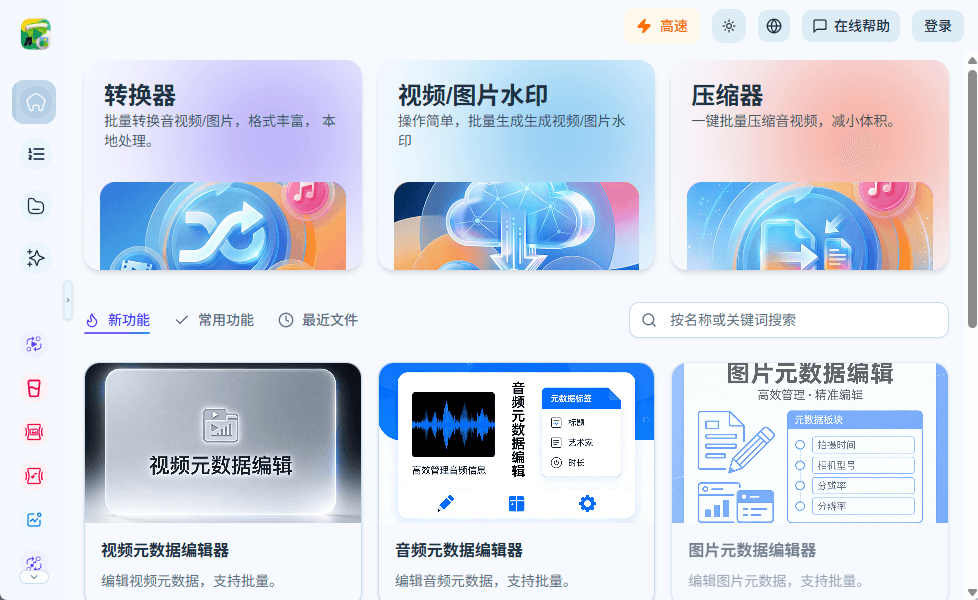
A local-first multimedia toolkit for creators and teams that covers audio extraction, video conversion, free video conversion, video compression, and everyday image processing in one place.

Built with the following stack

Product Overview

What is this toolkit?

This local media toolkit helps creators and teams handle audio extraction, video conversion, free video conversion, video compression, MP4 file compression, and image cleanup without juggling several heavyweight apps or command-line tools.

Video Processing

Handle video conversion, free video conversion for common delivery formats, frame rate control, resolution tuning, and practical video compressor workflows.

Audio Processing

Cover audio extraction, audio compression, transcoding, and sample rate, channel, or bitrate adjustments for distribution, review, and archiving.

Watermark Features

Supports text/image watermarks for brand identity, copyright labeling, and content circulation

Image Processing

Resize, recompress, and convert images so web, document, and social assets stay sharp without carrying unnecessary weight.

Why choose this toolkit

Built for people who need practical media processing instead of another bloated editing suite.
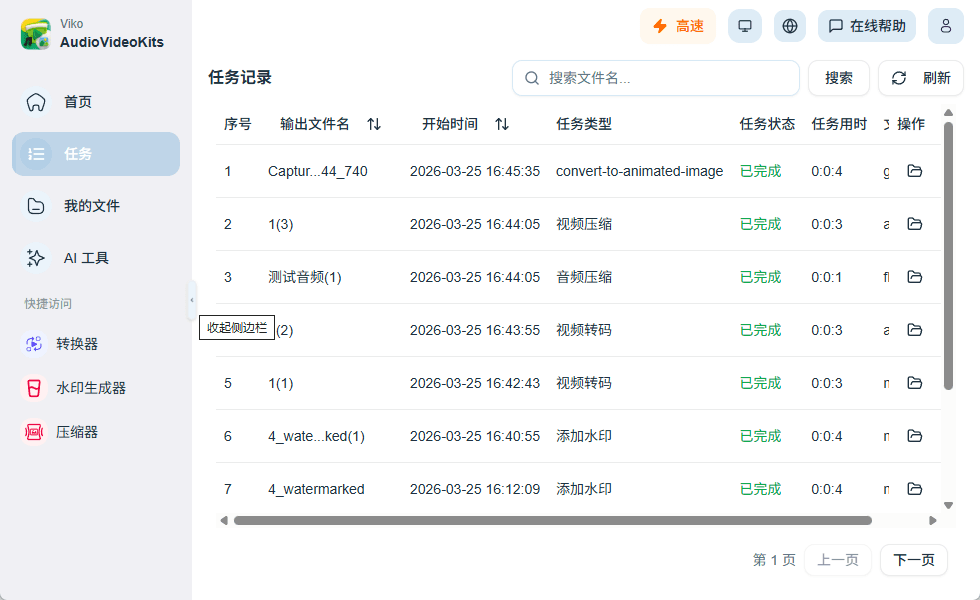
Tasks run on your local machine, reducing privacy and compliance concerns caused by uploading source files while saving upload time

Core capabilities

Designed around common needs such as audio extraction, video conversion, free video conversion, video compression, MP4 file compression, and MP4 to GIF exports.

Audio Compression & Transcoding

Quickly export audio files for publishing, transfer, archiving, or video-to-MP3 follow-up steps.

Video Compression & Transcoding

Control resolution, bitrate, and frame rate while balancing clarity and file size across converter and video compressor jobs.

Image Compression & Transcoding

Adapt to different scenarios such as social media, web, and documents

Watermark Processing

Add text/image watermarks with one click to protect content copyright

Batch Task Queue

Process multiple files at once so repetitive exports, compressions, and conversions stay organized.

AI Tools

Planned for future development...

Frequently asked questions

Have more questions? Feel free to contact us via the email at the bottom of the page, and we’ll reply as soon as possible.


Start processing media locally

Use Viko to batch-convert video, extract audio from video, compress MP4 files, export MP4 to GIF, add watermarks, and manage files locally with fewer repetitive steps.